

Overview
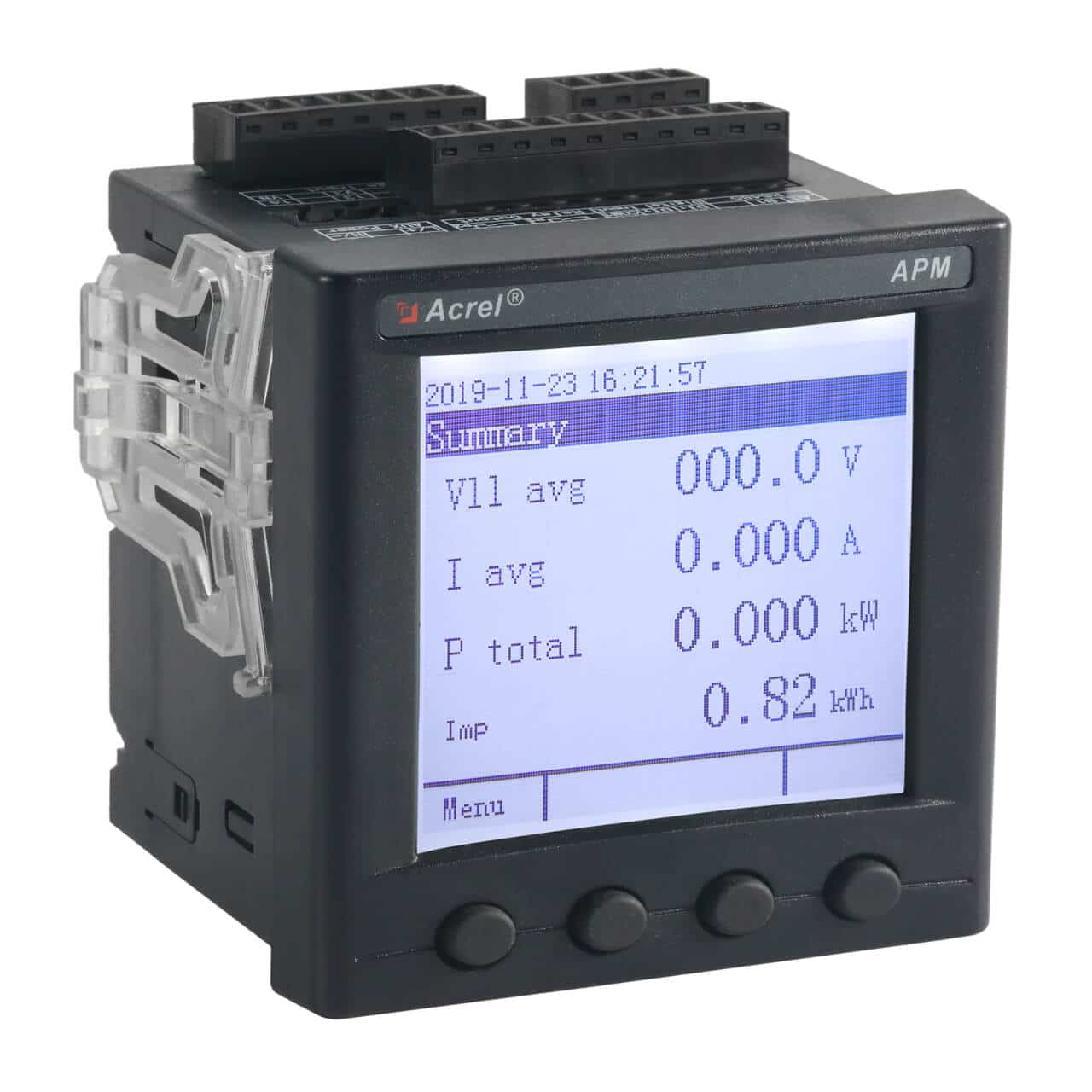
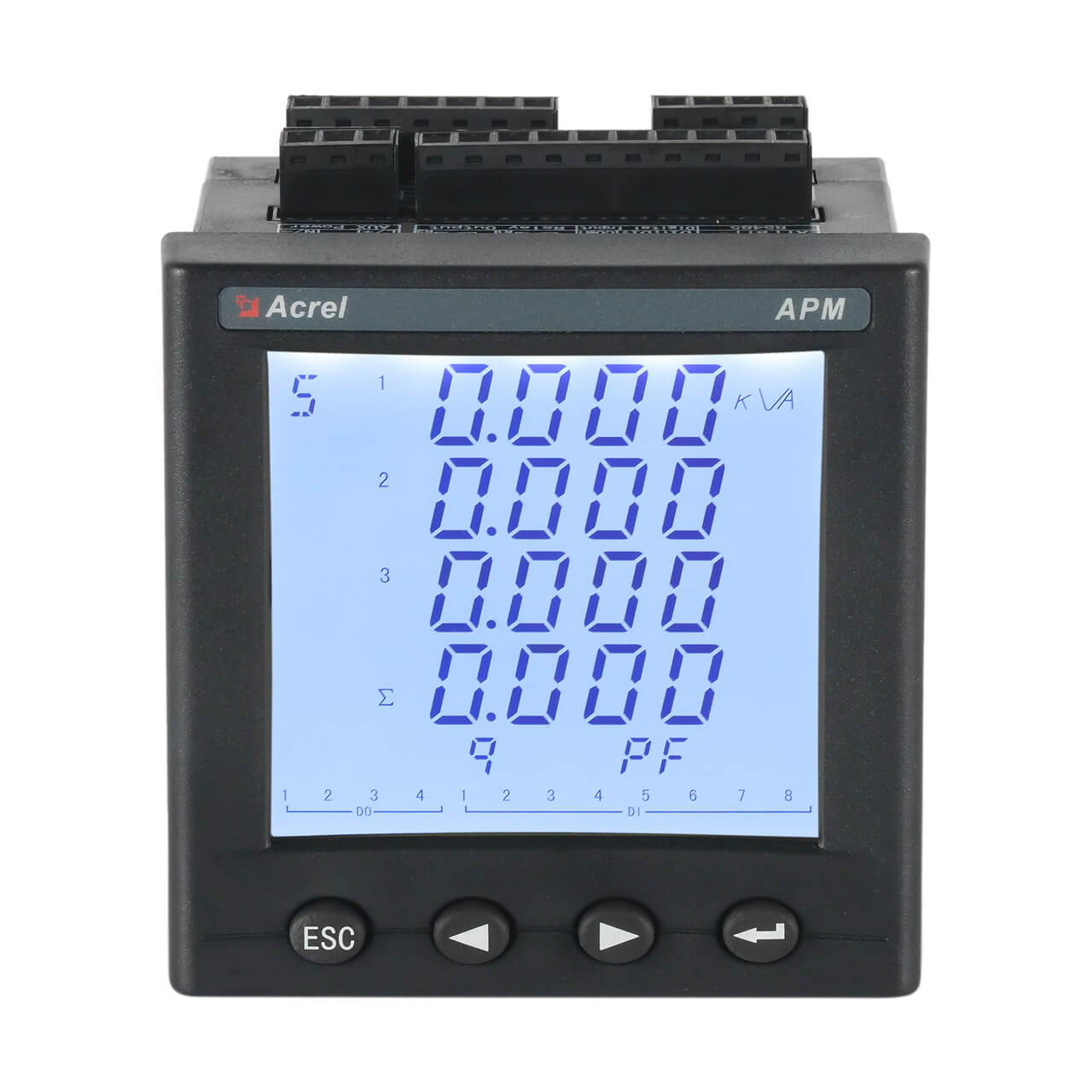
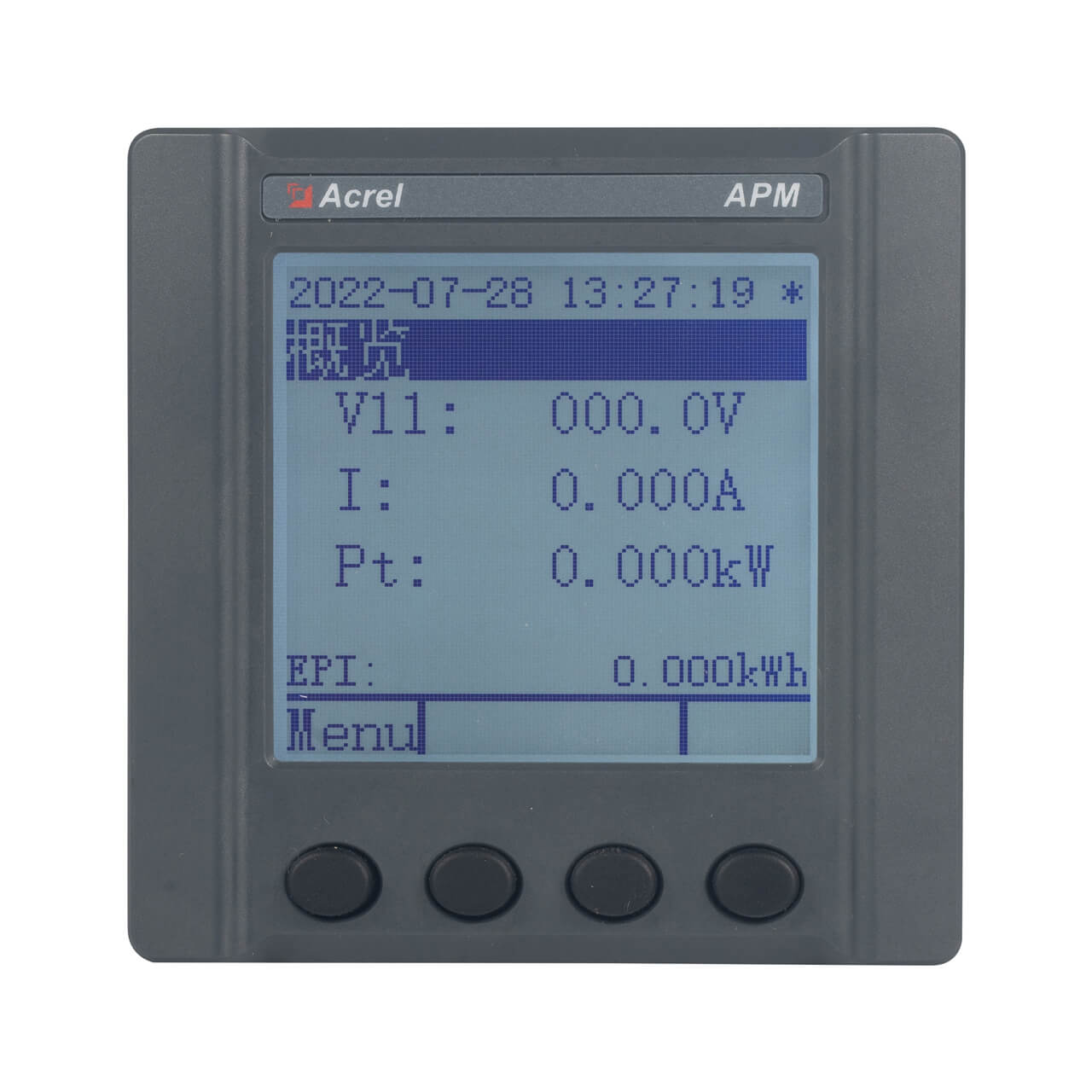
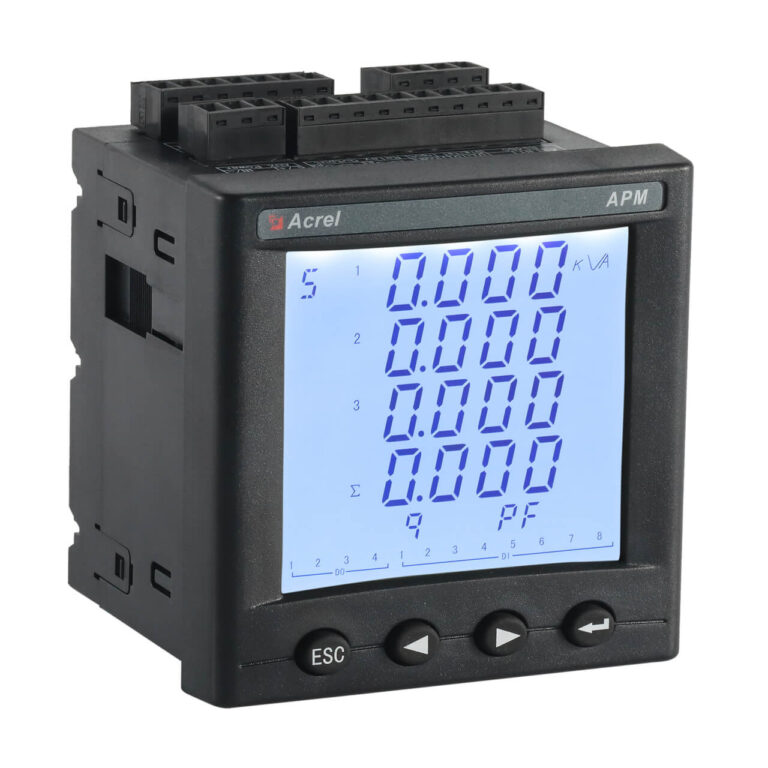
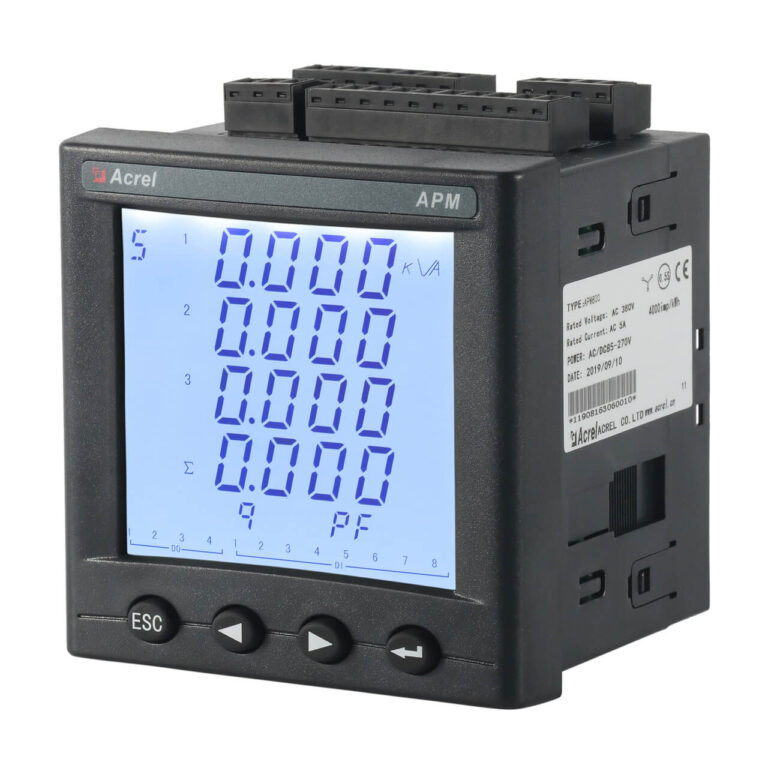
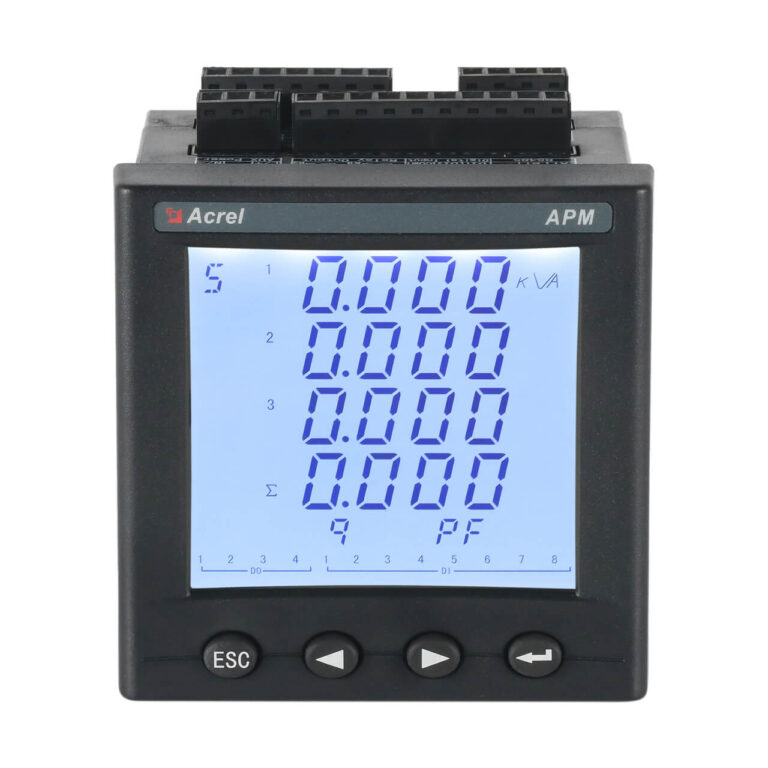
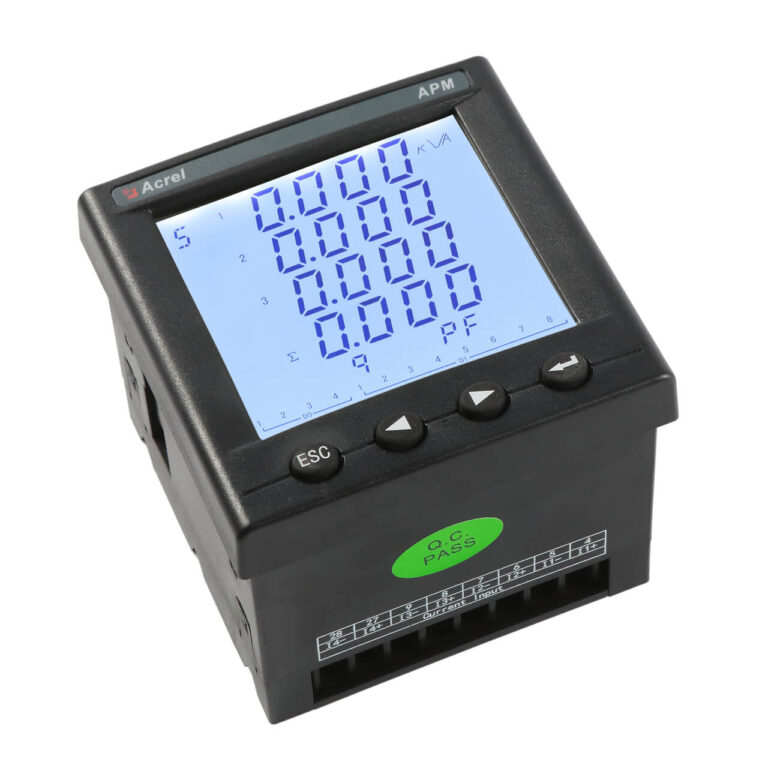
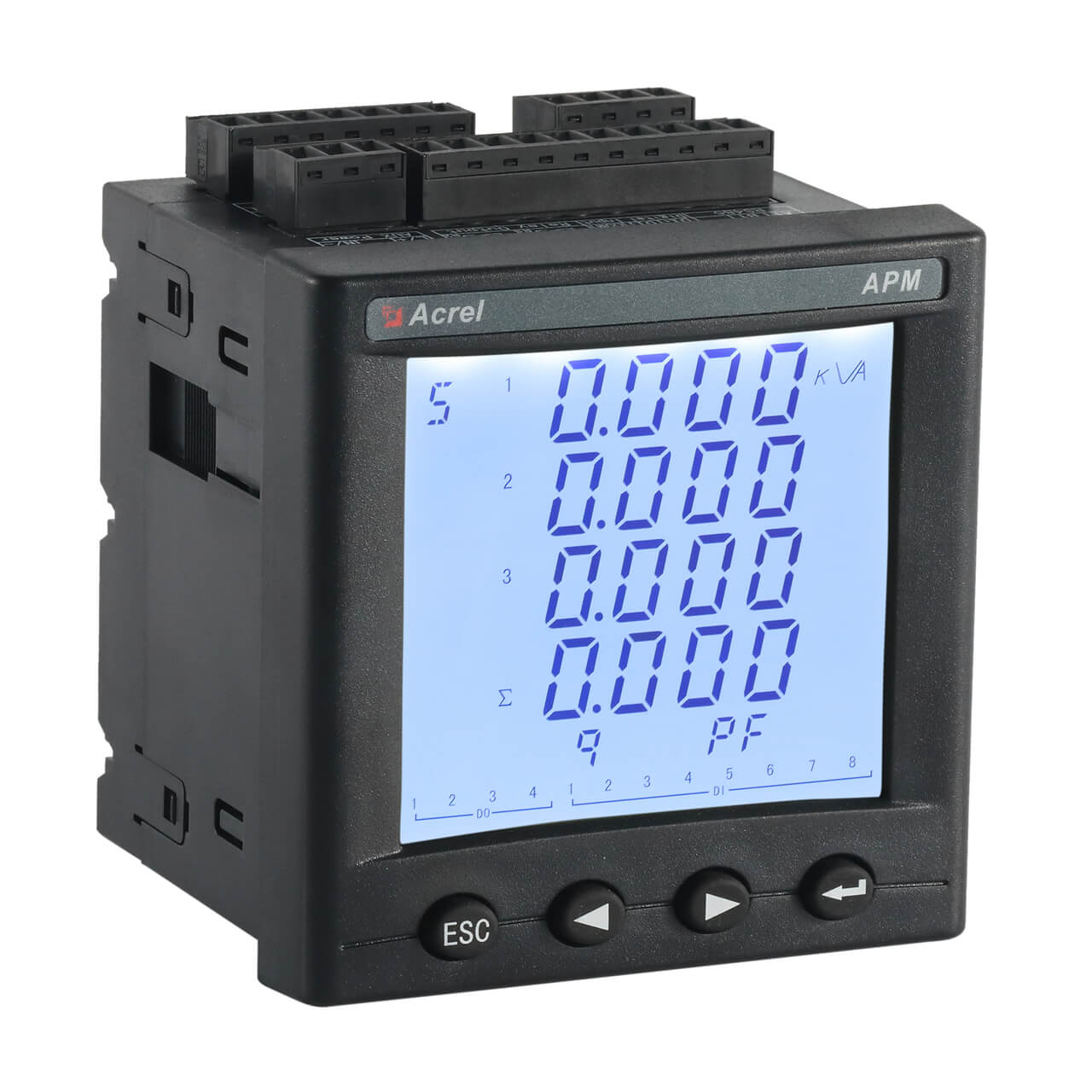
The APM800 is a high-performance network power meter designed to IEC standards for comprehensive electrical monitoring in industrial and energy management systems. It provides full electrical parameter measurement, four-quadrant energy metering, demand analysis, extreme value statistics, and basic power quality indicators such as unbalance and phase angles. Its modular design allows users to flexibly expand I/O, analog, communication, and temperature monitoring functions as needed, supporting up to three expansion modules. With multiple communication protocols (Modbus, DL/T645, Profibus, Ethernet, Profinet), the APM800 seamlessly integrates into various automation and energy efficiency platforms. Its 0.5S class high accuracy energy metering makes it an ideal choice for cost-sensitive projects balancing performance and return on investment.
Highlight
High Accuracy 0.5S Class
- IEC 62053-22 Class 0.5S active energy
- 0.5 class voltage/current measurement
- Multi-tariff (4 rates, 14 periods)
Modular & Flexible Design
- Up to 3 expansion modules
- I/O, analog, communication options
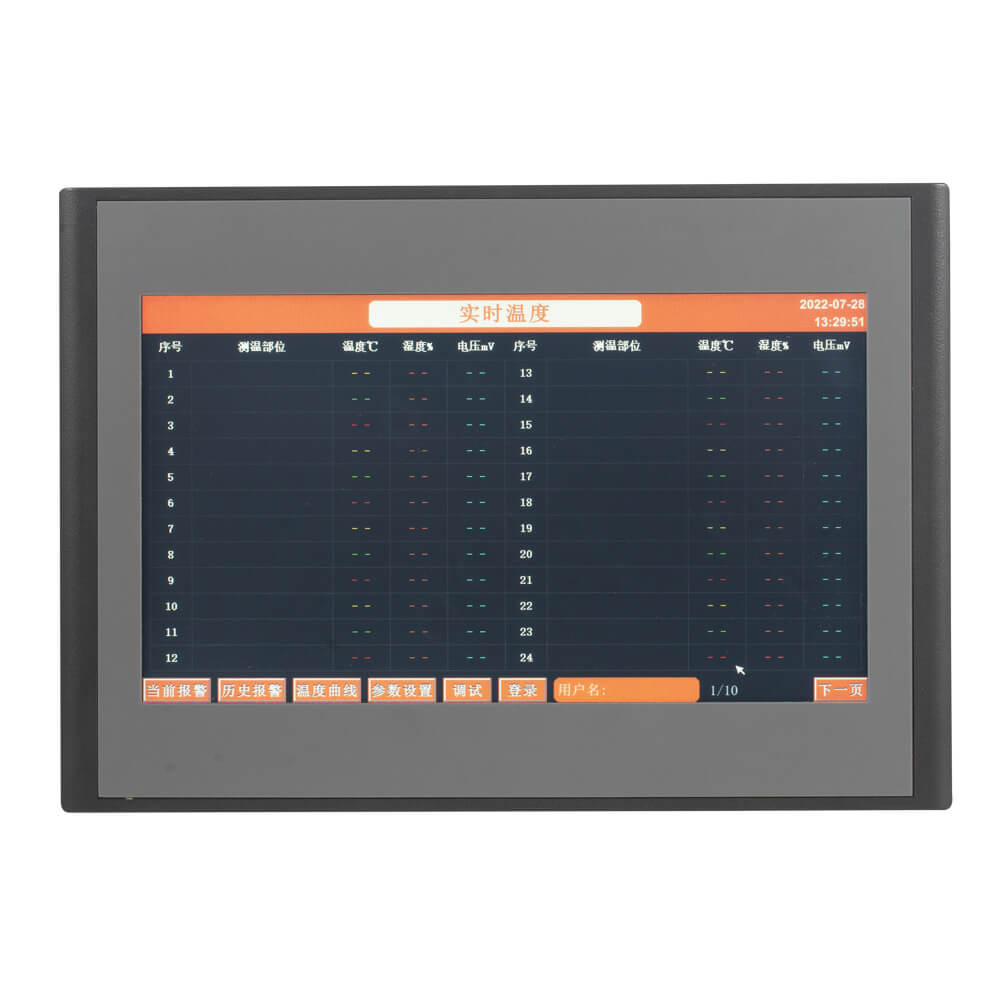
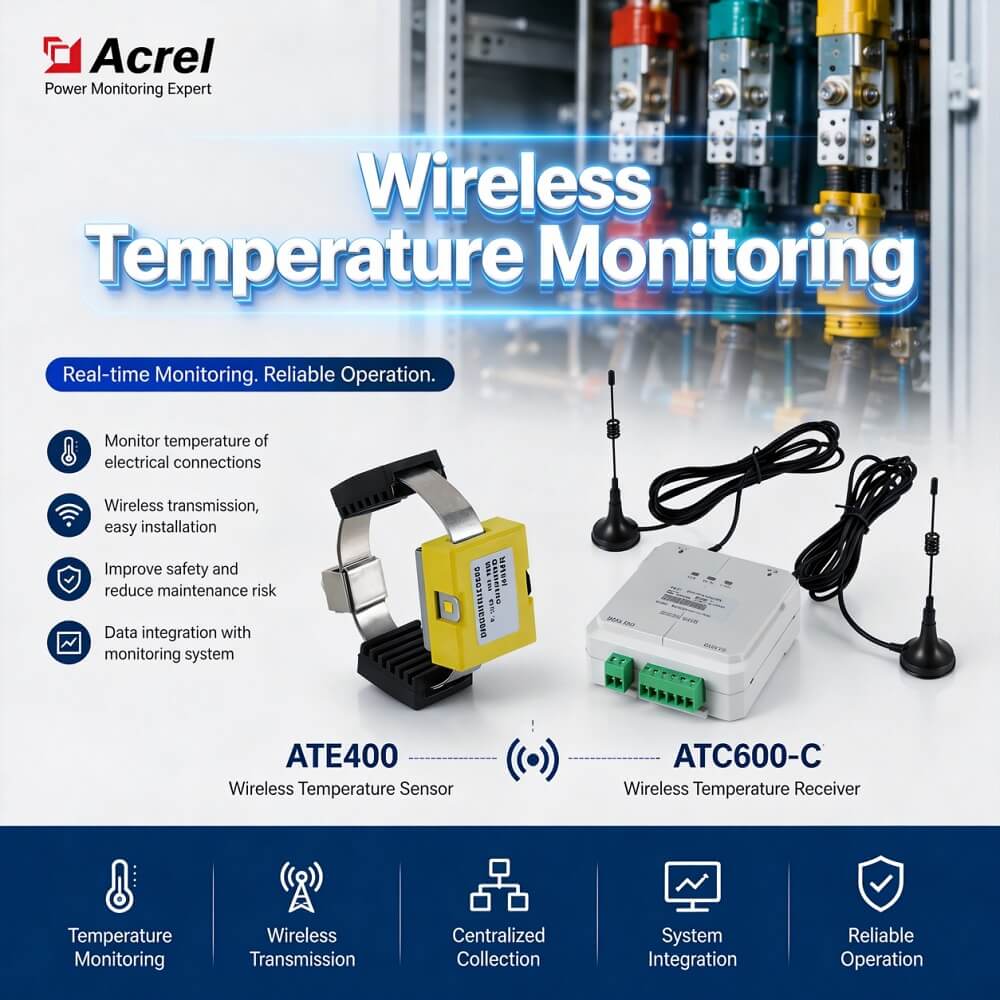
- Temperature & humidity monitoring
Comprehensive Data Logging
- 128 event logs, 66 alarm types
- Min/max recording with timestamps
- SD card for mass storage
Multiple Communication Protocols
- Modbus, Profibus, Ethernet
- Profinet & dual RS485 options
- Easy integration into SCADA/EMS
Function
| Measurement | Metering & Logging | Others |
| Voltage (Phase/Line) | 4-Quadrant Energy (Import/Export, Active/Reactive) | 2x DI + 2x DO (Built-in) |
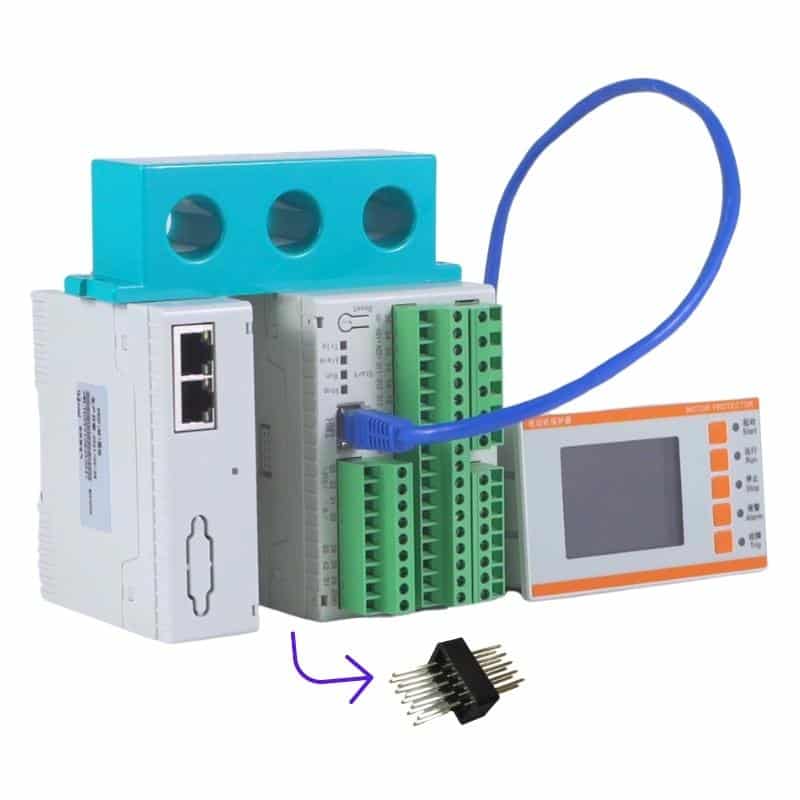
| Current (Per Phase/Neutral) | Multi-Tariff Energy (4 tariffs, 14 periods) | Supports up to 3 Expansion Modules: |
| Power (Per Phase/Total, Active/Reactive/Apparent) | 12-month Historical Tariff Data | – MD82: 8DI+2DO |
| Power Factor (Per Phase/Total) | Demand & Max Demand (Current/Power) with Timestamps | – MA84: 8AI+4AO |
| Frequency | Extreme Value Logging (Voltage/Current/Power) with Timestamps | – MLOG: SD Card for Data Logging |
| Voltage/Current Unbalance | Event Recorder (128 DIDO, 66 Alarm Types) | – MCM: Extra RS485 (Master/Slave) |
| Phase Angle (V&I) | SD Card Data Logging (Alarms, Parameters, Energy) | – MCE: Ethernet (Modbus-TCP/HTTP) |
| – MCP: Profibus-DP | ||
| – MPNET: Profinet | ||
| – MTN/MTP/MTH: Temperature/Humidity modules |
Specification
| Parameter | Specification |
| Input Voltage | Rated: AC 100V, 110V, 400V, 690V (L-L) |
| Overload: 1.2× rated (continuous); 2× rated for 1s | |
| Consumption: <0.5VA per phase | |
| Input Current | Rated: AC 1A, 5A; 100mV for Rogowski coil |
| Overload: 1.2× rated (continuous); 10× rated for 1s | |
| Consumption: <0.5VA per phase | |
| Measurement | Voltage/Current: Class 0.5 |
| Accuracy | Active Energy: Class 0.5S |
| Reactive Energy: Class 2 | |
| Auxiliary Power | AC/DC 85~265V or AC/DC 115~415V (P2 option) |
| Consumption: ≤15VA (main unit) | |
| Operating | Temperature: -20℃~+65℃ |
| Environment | Humidity: ≤95% non-condensing |
| Altitude: ≤2500m | |
| Communication | Standard: 1x RS485 (Modbus-RTU, DL/T645-2007) |
| Interfaces | Optional via Expansion Modules: Extra RS485, Ethernet, Profibus-DP, Profinet |
| Digital I/O | Built-in: 2x DI (dry contact) + 2x DO (Relay, AC 250V/3A, DC 30V/3A) |
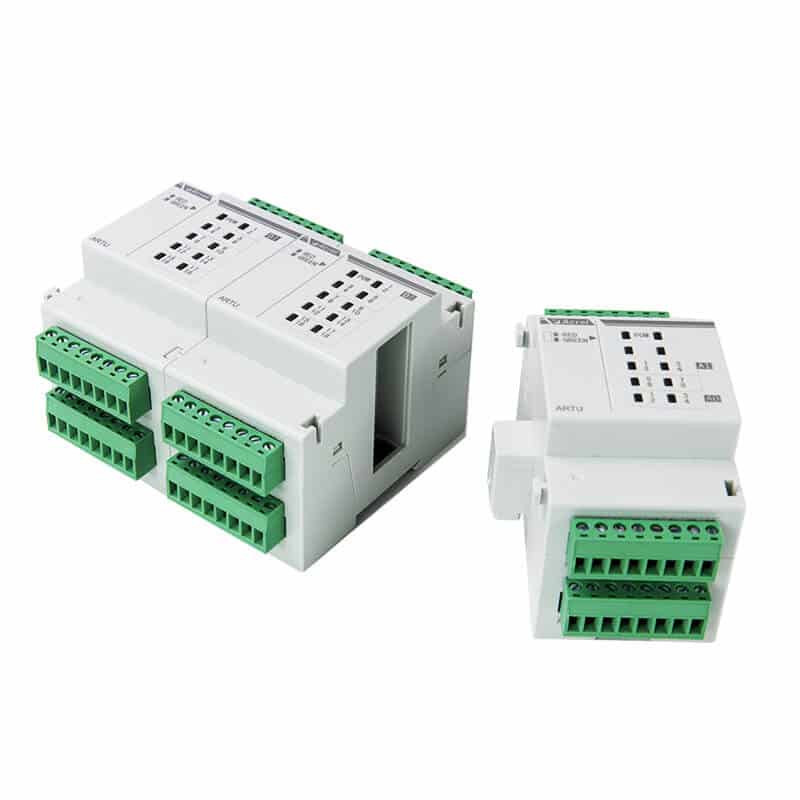
| Expansion | Supports up to 3 modules (MD82, MA84, MLOG, MCM, MCE, MCP, MPNET, MTN, MTP, MTH) |
| Dimensions | Main unit: 96mm × 96mm × 92mm (panel cutout: 92mm × 92mm) |
| Mounting | Panel mount (with brackets) |
| Protection Grade | Front panel: IP52 |
Show More
FAQ
You can set the primary and secondary current ratings via the panel menu “System” -> “Rto.i”, or by writing to the corresponding Modbus registers (addresses 6, 4).
Up to 3 expansion modules can be connected, subject to module combination rules: MCP/MCE/MPNET cannot be duplicated, and some modules have installation sequence requirements.
Please check: 1) RS485 A/B wiring is correct; 2) Communication address, baud rate, and parity settings match the host; 3) A 120Ω termination resistor is connected at the end of the bus; 4) Test with only one device online to rule out address conflicts.
In the measurement interface, press ▶ until “SOE” appears, then press Enter to view the last 128 event records. If an SD card module is installed, data is automatically synchronized to the SD card.
Enter “Settings” -> “ALM” menu, select alarm group (AL1/AL2), then choose alarm type (e.g., overcurrent, undervoltage), enable the alarm, and set action value, delay, recovery value, etc. DO can be associated with alarm output.
Summary
The APM800 network power meter, with its core advantages of 0.5S class high-accuracy metering, modular flexible expansion, and rich communication interfaces, provides a reliable data foundation for industrial and building power distribution systems. Through comprehensive electrical measurement, demand and extreme value statistics, event logging, etc., it helps users achieve refined energy management and fault tracing. The modular design allows on-demand configuration of I/O, analog, communication, or temperature modules, reducing initial investment and adapting to future expansion. Whether for new projects or energy-saving retrofits, the APM800 is a cost-effective power monitoring solution.